
Windows 11 is being aggressively pushed by Microsoft, but it introduces more and more features that deserve critical evaluation. From a technical and privacy-focused perspective, there are strong reasons to remove Windows 11 from a PC and use Linux Mint as the operating system for daily work.
❌ Why Windows 11 is becoming increasingly problematic
🔍 Windows Recall – serious privacy concerns
With Windows Recall, Microsoft introduced a feature that regularly takes screenshots of the entire screen and stores them locally in order to make past content searchable.
This has far-reaching implications:
- 🖼️ Continuous recording of on-screen activity
- 🔑 Visible passwords, emails, chats, and websites
- 📂 Creation of a comprehensive local activity history
- 🎯 Highly attractive target for malware and attackers
Even if Microsoft claims that the data remains local, such permanent screen recording represents a significant privacy and security risk. An operating system should not function as a surveillance tool.
🐌 Additional disadvantages of Windows 11
- ❗ Forced updates with limited control
- 📦 Extensive preinstalled software (bloatware)
- 🔐 Strong dependency on Microsoft accounts and cloud services
- 💻 High hardware requirements
- 📉 Noticeable performance loss on many systems
For productive daily work, these limitations are unnecessary and disruptive.
✅ Why Linux Mint is a compelling alternative
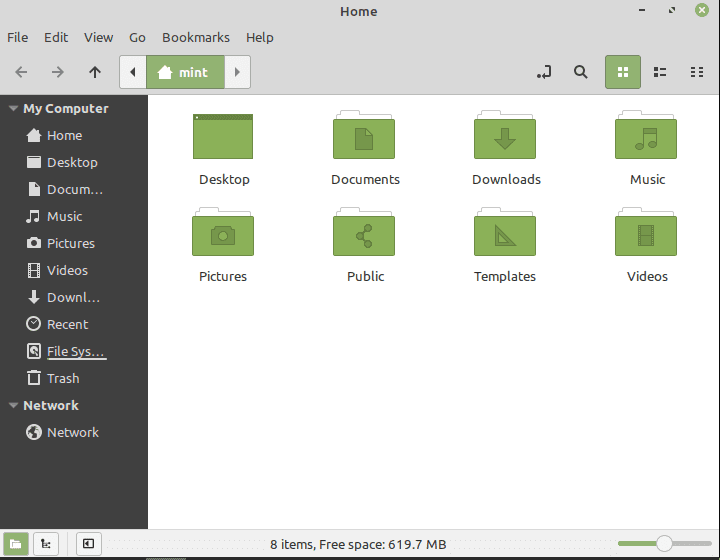
🌱 Stable, efficient, and suitable for everyday use
Linux Mint is one of the most user-friendly Linux distributions and is well suited for daily operation:
✔️ High stability
✔️ No telemetry or user tracking
✔️ No forced updates
✔️ Free & open source
✔️ Excellent performance, even on older hardware
🔄 Why switching from Windows 11 to Linux Mint is so easy
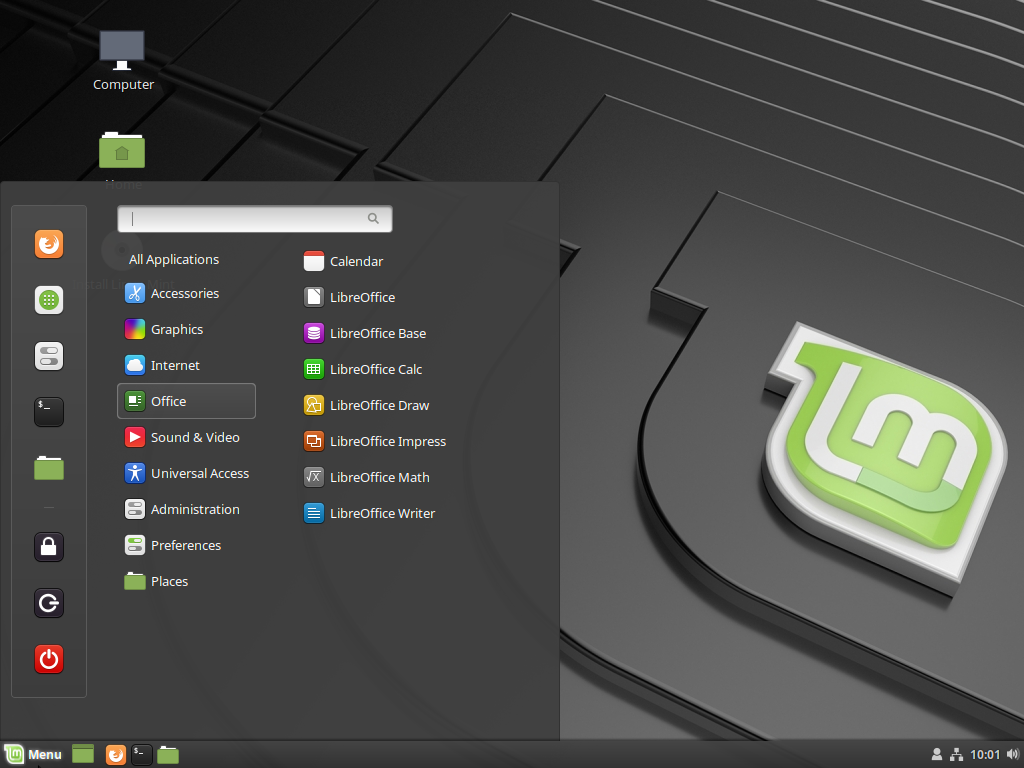
One of Linux Mint’s biggest strengths is its well-designed and familiar desktop environment. This makes the transition from Windows 11 surprisingly simple.
🖥️ Familiar user interface
- 📌 Start menu located in the lower-left corner
- 📂 Classic file manager instead of hidden, nested menus
- 🪟 Logical window management and taskbar layout
- ⚙️ Centralized system settings without unnecessary complexity
Most workflows feel intuitive and immediately familiar. Applications are launched, windows are managed, and files are organized in a way that closely resembles traditional Windows behavior.
🧠 No learning curve for everyday tasks
Typical activities such as:
- Writing documents
- Browsing the web
- Managing files
- Playing media
require no prior Linux knowledge. Linux Mint avoids the usual culture shock often associated with switching operating systems.
🔐 Privacy by design
Linux Mint completely avoids tracking and data collection.
✔️ Full control over installed software
✔️ Updates are optional and user-controlled
✔️ No hidden background services
The system behaves transparently and predictably — a major advantage over Windows 11.
🧰 Fully suitable for everyday use
Linux Mint easily covers common use cases:
- 📝 LibreOffice as an office suite
- 🌐 Firefox or Chromium for web browsing
- 📧 Thunderbird for email
- 🎬 VLC Media Player for multimedia
- 🎧 Spotify and other applications
For office work, internet usage, administration, and multimedia, Linux Mint is fully sufficient.
🛠️ Installing Linux Mint – short overview
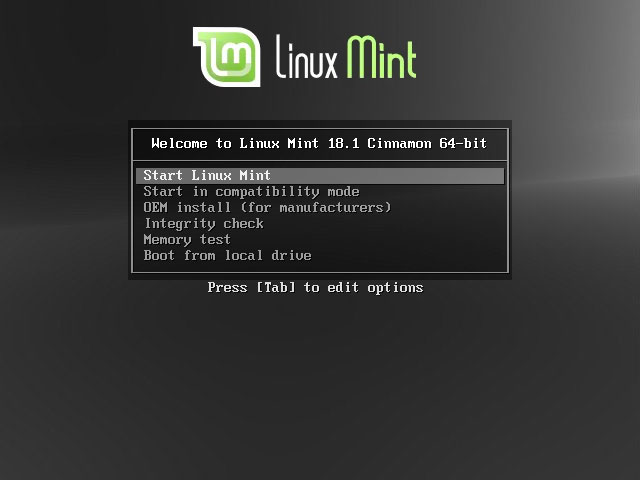
Installation steps:
- 📥 Download the Linux Mint ISO file
- 💾 Install Balena Etcher
- 🔥 Write the ISO file to a USB stick using Balena Etcher
- 🔄 Reboot the PC and boot from the USB stick
- 🧭 Follow the installation wizard
- ✅ Complete the installation
⏱️ Time required: approximately 15–20 minutes
🌐 Downloads
All required files are available in one place – for switching People (Cinnamon Edition), for the Advanced (XFCE):
📦 Linux Mint ISO
📦 Balena Etcher

🏁 Conclusion
Windows 11 is increasingly evolving into a data-hungry, restrictive, and intrusive operating system.
Linux Mint, by contrast, offers:
- 🐧 Transparency
- 🔐 Strong privacy protection
- ⚡ High performance
- 🧠 A familiar and well-thought-out desktop environment
Thanks to its Windows-like interface, the switch is straightforward and painless. Linux Mint is therefore a clear recommendation for secure, efficient, and calm everyday computing.