


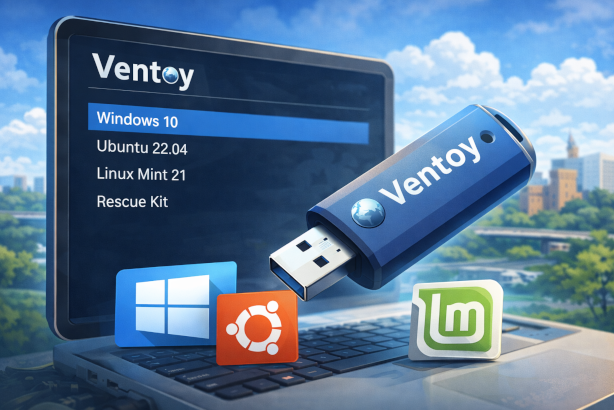
In IT practice, it is often necessary to work with multiple operating systems, installation media or rescue tools. Traditional USB sticks quickly reach their limits, since usually only one bootable system can be used at a time. This is where Ventoy comes in – a powerful open-source tool that allows you to store and boot multiple operating systems on a single USB stick.
ℹ️ What Is Ventoy?
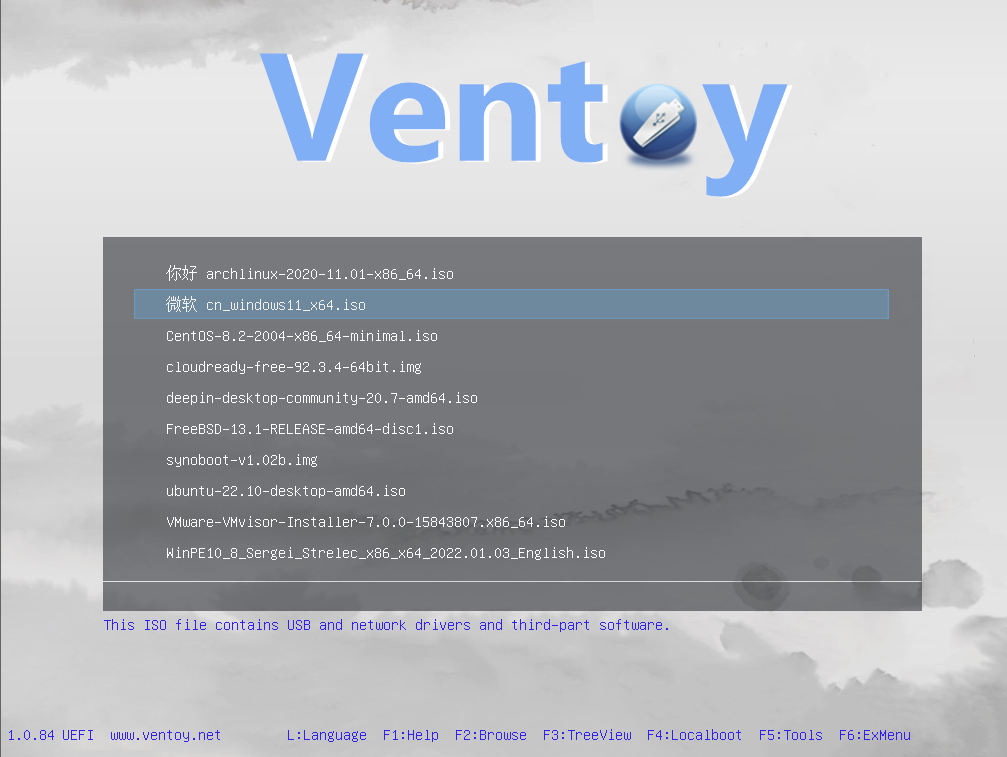
Ventoy is a free and open-source tool for creating multi-boot USB drives. Instead of installing a single operating system on a USB stick, you simply copy multiple ISO files onto the drive. When the computer boots, Ventoy shows a menu where you can choose which operating system or tool to launch.
Quick summary:
Copy ISO files → reboot → select operating system → done.
🚀 How Ventoy Works
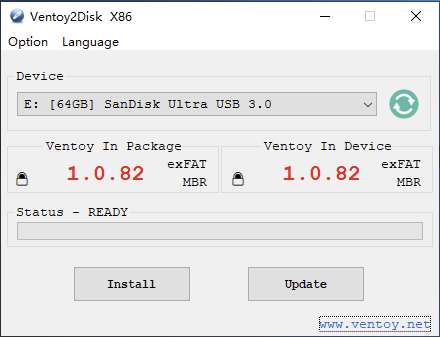
Once Ventoy is set up on a USB stick, the tool works in a very simple way:
- Ventoy is installed on the USB stick
- ISO files (e.g., Windows, Linux distributions, rescue systems) are copied to the stick
- During boot, Ventoy automatically detects all available images
- The desired system is selected from the boot menu
There is no need to reformat the USB stick when adding new operating systems.
✅ What Are the Benefits of Ventoy?
💾 Multiple Operating Systems on One USB Stick
Windows, Linux, live systems, rescue tools and more can all be stored and launched from a single USB drive.
🖱️ Easy ISO Management
New ISO files can be added or removed at any time via drag & drop — no software required for each change.
🧩 Wide Compatibility
Ventoy supports a wide range of systems:
- Windows installations
- Popular Linux distributions
- Backup and rescue tools
- Diagnostics and maintenance utilities
🛠️ UEFI & Legacy BIOS Support
Ventoy works with both modern UEFI systems and older legacy BIOS setups.
⚡ Time Savings for IT & Support
No need to create separate installation sticks — one USB stick can cover almost all deployment scenarios.
🏢 Use Cases for Ventoy
Ventoy is particularly useful for:
- IT service providers and system administrators
- Support technicians and helpdesk teams
- Companies with frequent OS rollouts
- Administrators of test and training environments
- Power users and tech enthusiasts
Its flexibility results in significant time and resource savings in IT operations.
🛡️ Is Ventoy Safe?
Ventoy is a well-established open-source project with frequent updates. It offers features such as optional Secure Boot support, checksum validation for ISOs and write protection mechanisms.
As with all bootable media, only ISO files from trusted sources should be used.
⬇️ Download Ventoy Directly
Ventoy can not only be obtained from the official project website, but is also available directly through my download page. There you will find the latest version of the tool and an easy way to download Ventoy quickly.
👉 https://downloads.it-service-commander.de/iso/tools/ventoy/index.html
⭐ Conclusion: Ventoy Is an Essential Tool for Modern IT Work
Ventoy offers a simple, flexible and efficient way to manage multiple operating systems on a single USB stick. For IT service providers, administrators and companies, this tool is a major help in everyday work.
Key benefits at a glance:
- One USB stick for many systems
- No need to rebuild boot media
- High flexibility
- Ideal for installation, maintenance and recovery
💡 Practical Tip
Ventoy is an excellent standard tool for IT support and system maintenance. I use Ventoy regularly to set up servers and perform fresh installations on computers and laptops — making installation and maintenance tasks faster and more standardized.