

I’m an IT service provider, and there’s one sentence I hear from my clients all the time: “We want our photos stored somewhere safe – just not with Google.” Totally understandable. Once you start thinking about where your images actually end up, it doesn’t take long before doubts start to creep in.
For a long time, I didn’t have a truly convincing answer to that request. Available solutions were either too clunky, too expensive – or simply too inconvenient for everyday use. That changed the moment I discovered Immich.
What Is Immich – and Why Am I Convinced?
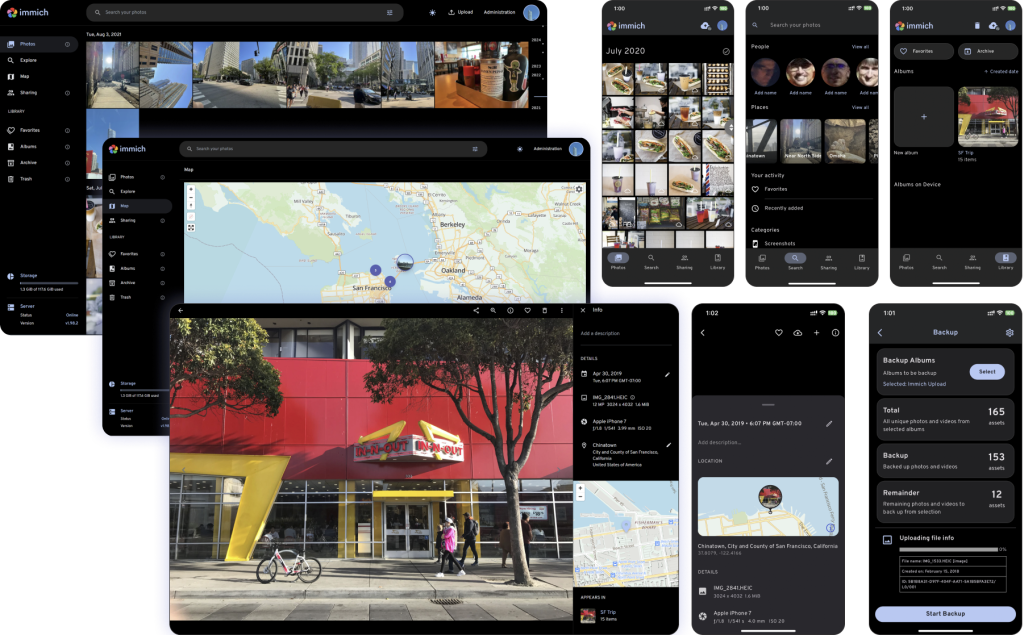
Immich is an open-source, self-hosted photo management solution that looks and feels very much like Google Photos. Automatic smartphone sync, AI-powered image recognition, album sharing via link, map view, facial recognition – it’s all in there. And best of all: the software runs on your own server, not on some tech giant’s infrastructure.
I’ve deployed Immich for several clients now, and I’m impressed every single time by how mature the project is. With over 80,000 GitHub stars, it’s one of the most widely used self-hosting solutions in the world – and it’s actively developed.
And the best part: you can try Immich yourself before committing to anything.
The developers provide a fully functional live demo:
👉 demo.immich.app Login: demo@immich.app · Password: demo
Take your time exploring the interface. Browse through albums, test the AI search, see how sharing a photo gallery via link actually looks and feels. That’s exactly what I can set up for you – just with your photos, on your server.
Why Immich Is Especially Interesting for Photographers
For hobbyists, an external hard drive might be enough. But professional photographers – whether running a photo studio, shooting weddings, or working for an image agency – face entirely different challenges: massive file volumes, RAW formats, multiple team members, client galleries, and the constant pressure to keep everything safe and organized.
That’s exactly where Immich shines:
Sharing Client Galleries via Link – Elegant and Effortless
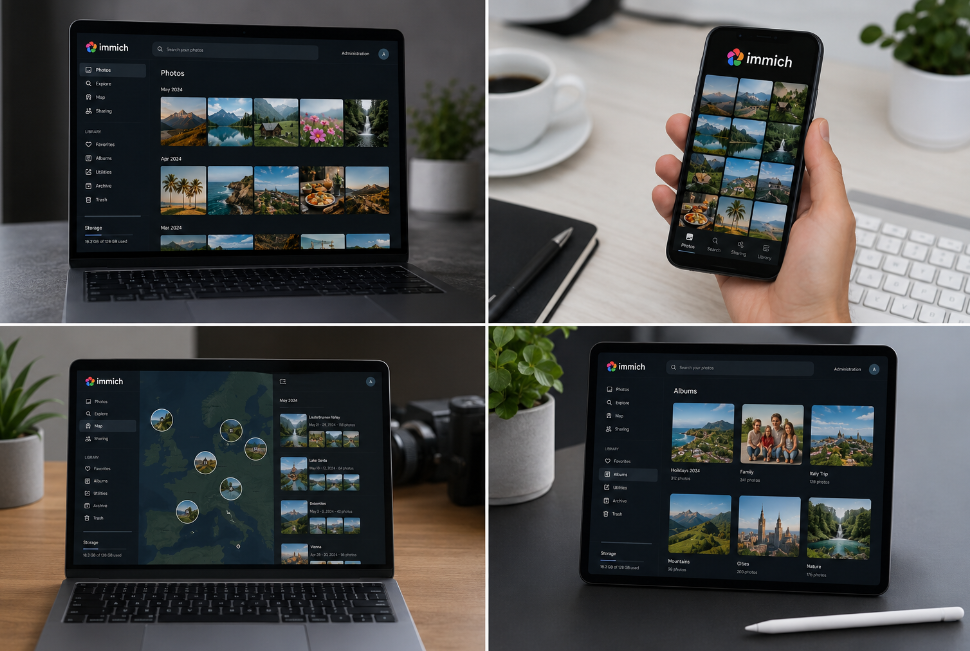
I see it all the time: photographers send their clients photos via WeTransfer, Dropbox, or even a USB stick. That’s neither professional nor particularly secure. With Immich, you create an album, generate a share link – and your client opens a clean, modern gallery right in their browser. No login required, no app, no subscription. Optional expiry dates, password protection, and download restrictions are all available if needed.
AI Search That Actually Works
Looking for all photos with a sunset? Every image featuring a specific person? All shots from a wedding in May? Immich finds them – without any manual tagging beforehand. The built-in AI image recognition analyzes content, automatically groups faces, and makes even massive archives fully searchable.
RAW Support and EXIF View
Immich supports common RAW formats and displays full EXIF data – camera model, lens, exposure time, GPS coordinates. For photographers who want to do more than just store their images, this is invaluable.
Multi-User Access and Shared Albums
Multiple photographers on a team? No problem. Everyone gets their own space, and shared albums make collaboration seamless. The retoucher can access the files directly – no USB sticks, no FTP servers, no hassle.
What I Set Up for You – My Concrete Offer
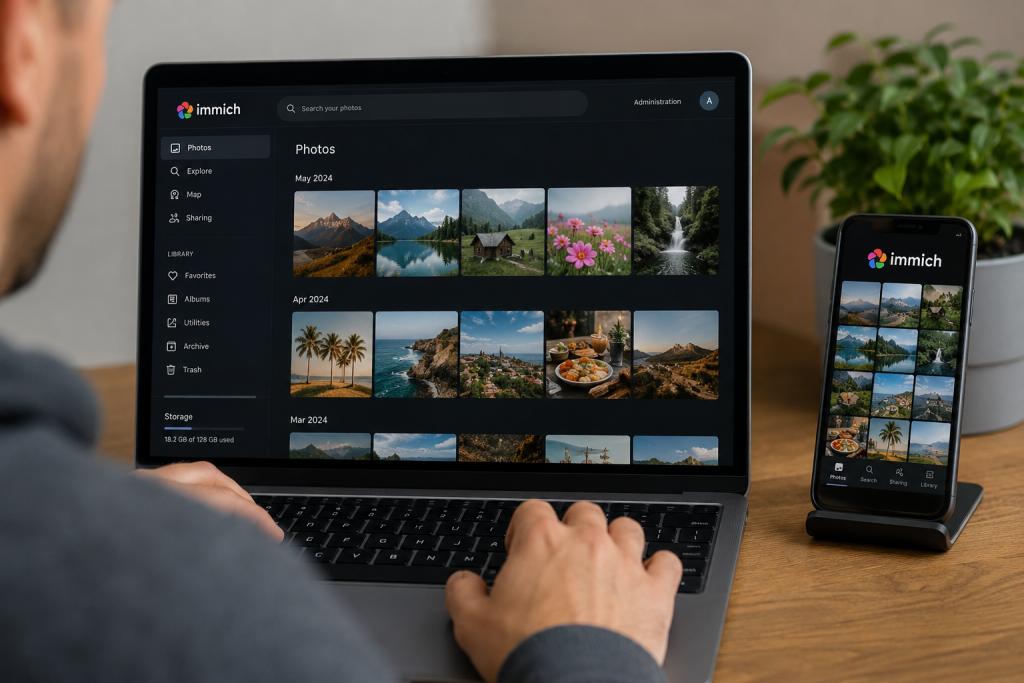
I handle the entire technical side so you can focus on your actual work.
Installation on Your Server
I install Immich on a capable server – either on-site at your business or in a data center. The software runs containerized via Docker, which means it’s stable and low-maintenance. I handle updates for you on a regular basis.
Primary Storage on Your Local Synology DiskStation
Immich runs directly on a local Synology DiskStation – which acts as both the primary storage for all your photos and videos. I know Synology inside and out, so the setup is fast and clean. I additionally configure automatic replication to a second drive or backup destination, giving you two independent copies of your data at all times – fully automatic, no action required on your end. If one system fails, the other is immediately available.
Cloud Backup as a Third Layer – Optional
For those who want to be truly protected, I recommend adding a cloud backup with Hetzner. Hetzner is a German provider I personally trust – reliable infrastructure, fair pricing, and data centers based in Germany. With this in place, we meet the well-established 3-2-1 backup rule:
- 3 copies of your data
- on 2 different storage media
- with 1 copy offsite (cloud)
That’s the same level of backup management used by large enterprises.
Security & Remote Access
I configure SSL encryption, secure remote access (via VPN or HTTPS with your own domain name), and user management. Your Immich instance is only accessible to authorized users from the outside.
Training & Ongoing Support
After setup, I walk you and your team through everything you need for day-to-day use: creating albums, sharing links, checking backups, adding new users. And whenever questions come up down the line, I’m easy to reach – by phone, email, or remote support.
Who Benefits Most from Immich?
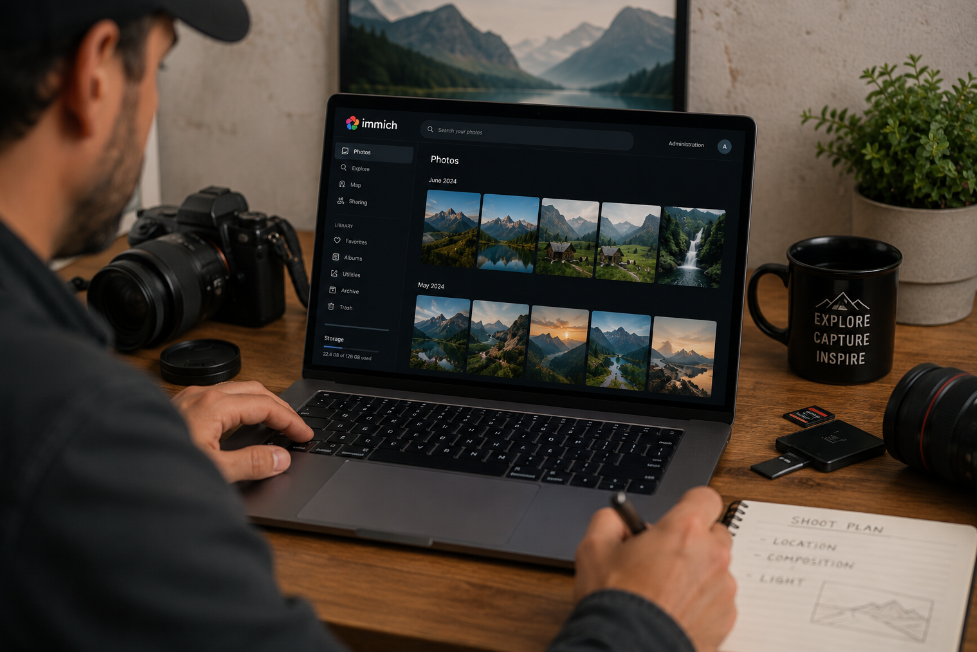
I’ve deployed Immich for a wide range of clients:
Photo studios benefit from professional client gallery features, team access, and the ability to store large volumes of RAW files in an organized way.
Wedding photographers love being able to send their clients a simple link – instead of dealing with cumbersome file transfer services.
Businesses appreciate full data sovereignty: no per-user licensing fees, no dependency on external services, no data privacy concerns.
Individuals and families who want to replace Google Photos or iCloud without giving up comfort.
Conclusion: Finally a Solution I Can Fully Stand Behind
I only recommend things to my clients that I genuinely believe in. Immich is one of them. It’s comfortable enough that non-technical users get the hang of it immediately – and powerful enough to handle even large photo archives without breaking a sweat.
Take a look at the live demo (login: demo@immich.app / demo). And if you have questions afterward, or want to know what a setup would cost for your specific situation – just get in touch. I’m happy to advise you with no obligation.
IT-Service-Commander – specialized in custom server and storage solutions for small and medium-sized businesses.