

Anyone who, as an IT service provider, regularly juggles multiple servers, different customers and constantly changing SSH connections knows the problem: the standard Windows terminal, the classic PuTTY window, the macOS Terminal app or even the standard Linux terminal, such as XFCE Terminal, quickly reach their limits. This is exactly where Tabby comes in – a free open-source terminal that was originally known as Terminus and has now collected more than 70,000 stars on GitHub. Tabby runs equally well on Windows, macOS and Linux and combines a modern terminal emulator with a fully fledged SSH, Telnet and serial client, including its own connection manager.
Why I recommend Tabby as an IT service provider
In daily practice, I do not manage just one server, but a whole range of servers for different customers – from small web servers to more complex Linux infrastructures. Tabby is noticeably more thought-out than classic tools for exactly this use case. The interface can be fully customized, from color schemes and keyboard shortcuts to custom shell profiles, and the program comes with built-in support for PowerShell, WSL, Git Bash, Cygwin and regular SSH sessions. Unlike many lightweight terminal alternatives, Tabby provides a consistent, modern user experience that reflects today’s workflows: tabs, history, embedded file transfer via Zmodem and an interface that does not stall even with very fast output.
For me as a service provider, what matters most is that a tool noticeably speeds up everyday work without forcing me to get lost in configuration files. Tabby delivers exactly that: a program that can be installed and set up in just a few minutes, but can also be extended as needed through plugins and themes.
Keeping an eye on multiple servers at once
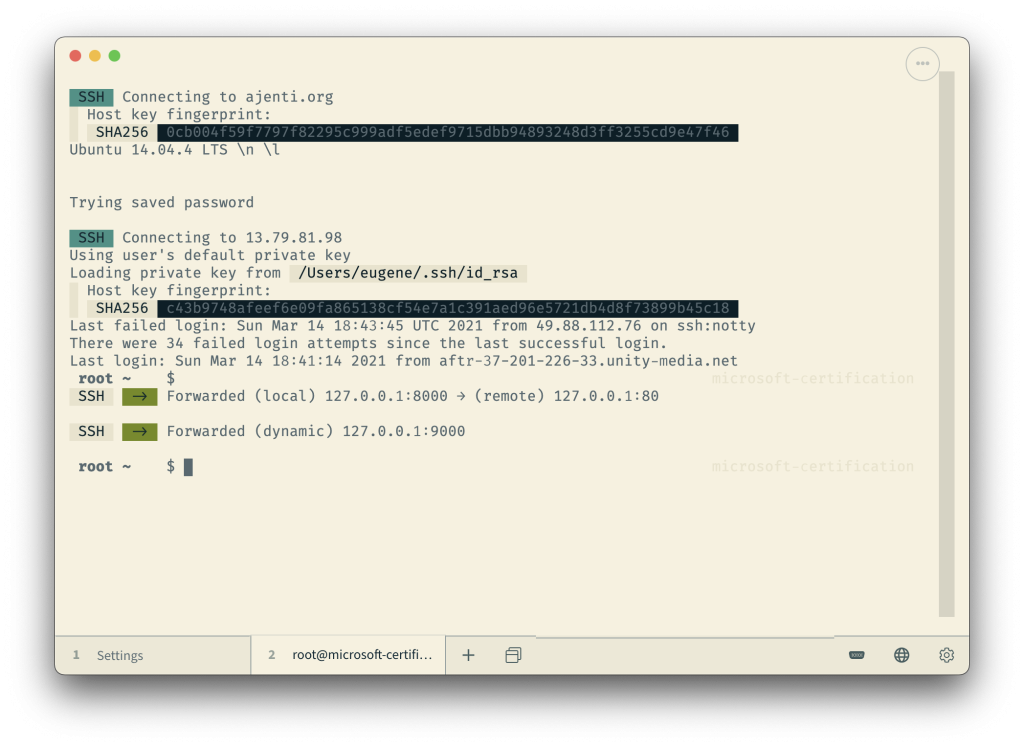
The biggest practical advantage in everyday work is handling multiple connections in parallel. Tabby allows you to open any number of SSH sessions in tabs and additionally arrange them in split panes within a single window – even nested. This means I can, for example, place four or six server connections side by side or one above the other and keep a full overview during maintenance work, log monitoring or updates without constantly having to switch between windows. Tabby also remembers which tabs and layouts were last open, so after a restart you can continue exactly where you left off.
If you regularly need to run the same commands on multiple machines, for example to update packages on several servers at the same time, you can do this with the community-maintained “Quick Cmds” plugin, which sends commands to a single terminal tab or to all open terminal tabs at once. This allows routine tasks such as apt update && apt upgrade to be bundled instead of processing each machine individually. In addition, Tabby includes automatic jump host management and agent forwarding, which saves a lot of manual typing when jumping through bastion servers in larger infrastructures.
Managing access credentials securely and encrypted
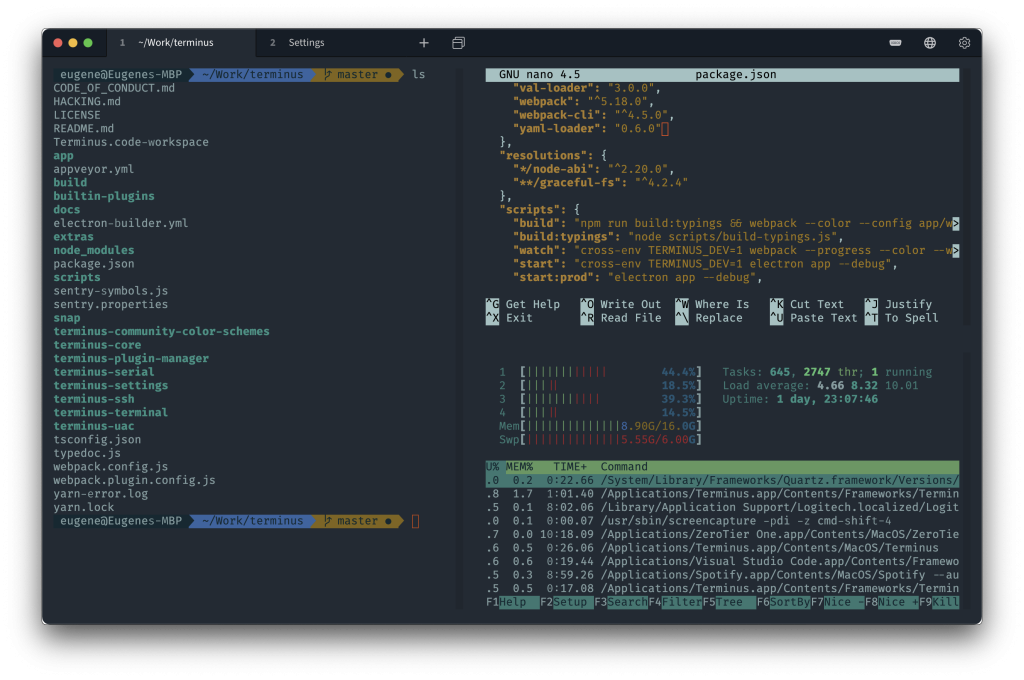
The management of access credentials themselves is particularly relevant for professional use. Tabby provides an integrated, encrypted container for SSH secrets and configurations. In practical terms, this means that hostnames, usernames, ports, private keys and other connection details for individual customer servers can be stored directly in Tabby’s connection manager instead of being kept in a loose text file or scattered across password manager entries. These saved profiles are stored encrypted and are only accessible via a previously defined master password. Only after entering this master password does Tabby decrypt the vault and allow a direct connection to the respective server with a click.
For me as a service provider who manages access credentials for a wide variety of customer environments, this is a real security benefit: sensitive connection data is not stored openly on the hard drive, but inside an encrypted vault that is useless without the master password. At the same time, the workflow remains very simple – enter the master password once, then connect to the desired server from the saved list with a double-click, without having to enter IP addresses or access credentials again.
Conclusion
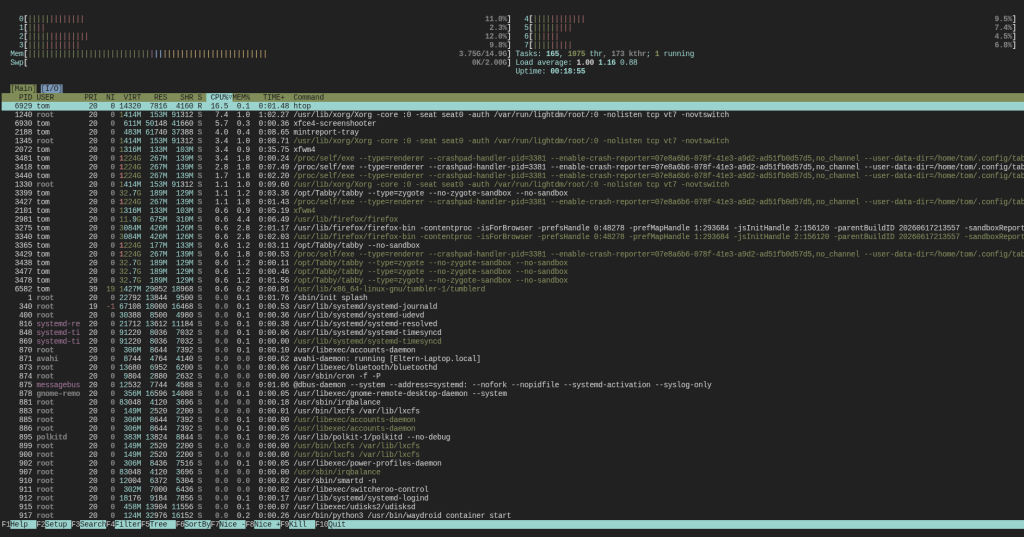
Tabby combines exactly the qualities I value in a terminal tool for everyday IT work: a modern, customizable interface, true multi-server capability through tabs and split panes, useful extensibility via plugins and, not least, well-designed encrypted management of sensitive access credentials behind a master password. Anyone who, like me, manages several servers at the same time every day not only saves time with Tabby, but also increases security when handling customer data. For these reasons, Tabby has become part of the standard setup on every workstation for me.
Tabby is free, open source (MIT license) and is developed on GitHub at github.com/Eugeny/tabby. The current version can be downloaded directly from the releases page for Windows, macOS and Linux.