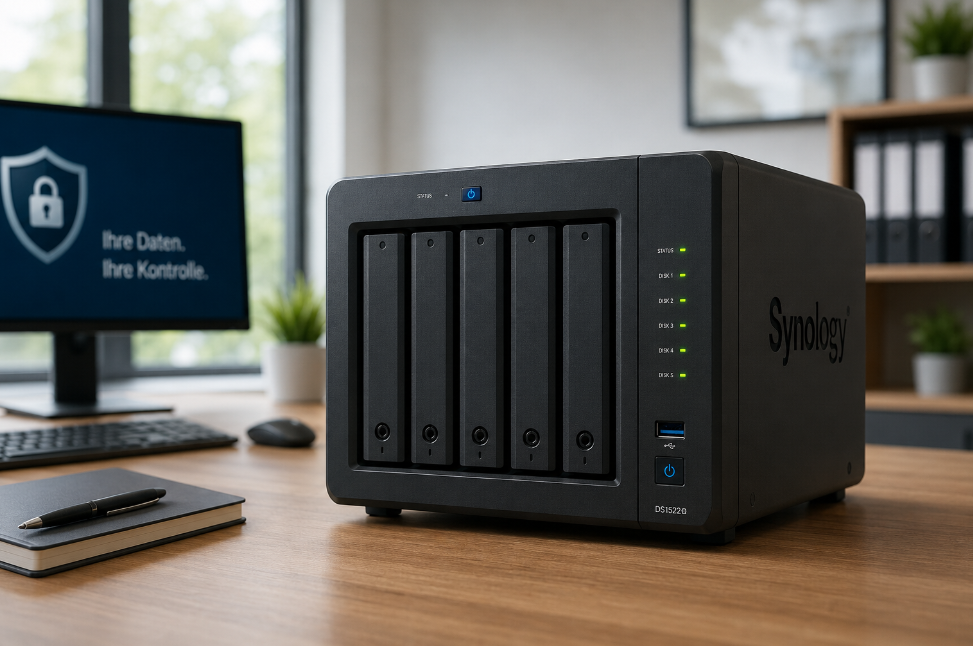
As an IT service provider, I install professional NAS solutions (Network Attached Storage) for businesses of all sizes – protecting your data, backing it up automatically, and keeping it accessible from anywhere in the world, without monthly subscription fees and independent of major cloud providers like Microsoft or Google.
Why a NAS Solution for Your Business?
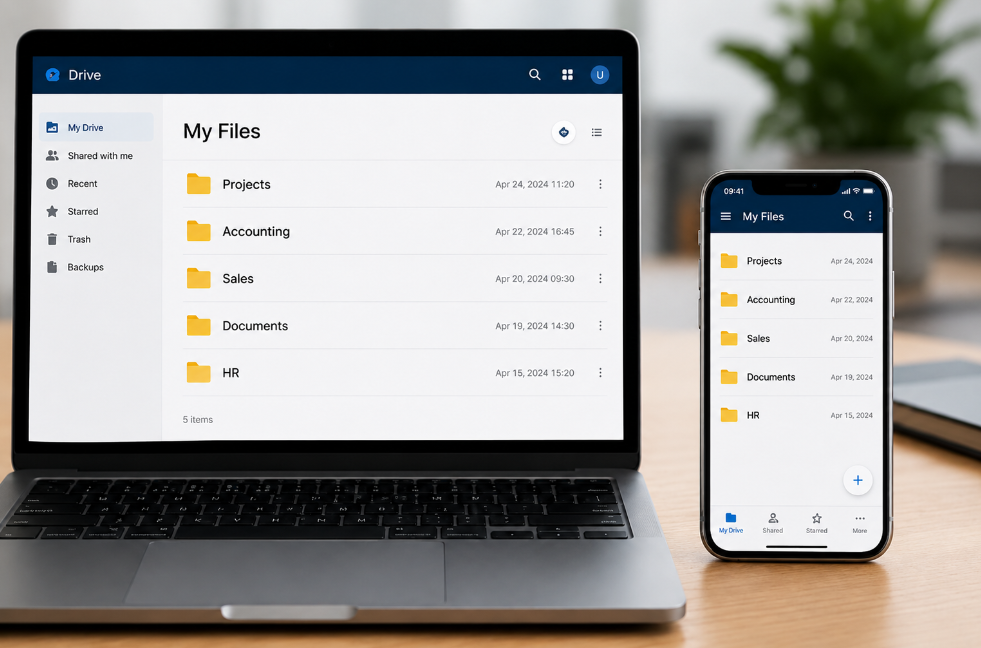
Many businesses struggle with the same problems every day: files scattered across different computers, USB drives, or expensive cloud services with ever-increasing subscription costs. Remote access is cumbersome, data security is unclear – and who pays when Microsoft or another provider raises its prices again?
A Synology DiskStation solves all of this at once. You get your own professional business cloud – running on your own hardware, in your own office, under your complete control. No dependency on third-party providers, no price hikes, no data privacy concerns caused by servers in foreign countries.
- Central storage: All files in one single, structured location – no more searching across multiple devices or dealing with confusion over which version is the latest.
- Accessible worldwide: Access all your business data – whether working from home, on a business trip, or abroad.
- Maximum data security: RAID 1, cloud backup, and file versioning protect against data loss and ransomware.
- Instant file recovery: Accidentally deleted files can be restored to any previous version with a single click.
- True independence: A one-time investment instead of monthly subscription fees – you decide how your infrastructure grows.
Independent from Microsoft, Google, and Others
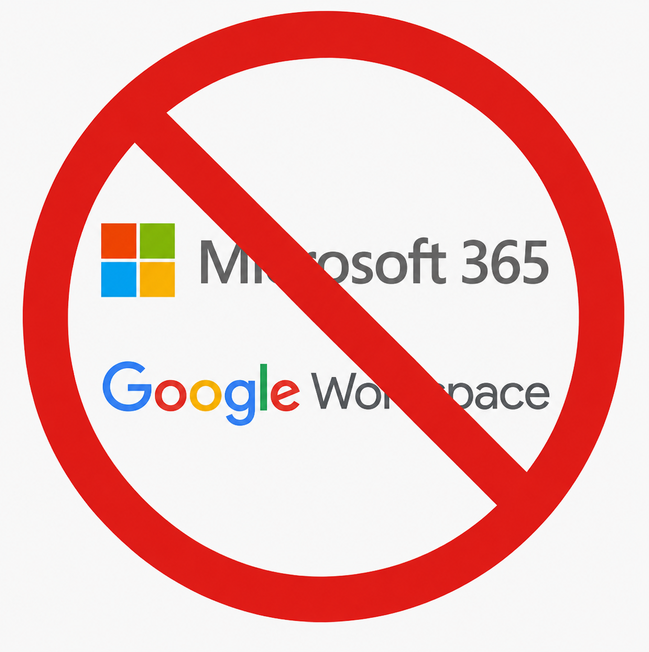
Services like Microsoft 365, SharePoint, or Google Workspace sound convenient – until the next price increase arrives, a new licensing requirement is introduced, or the provider changes features without warning. Many businesses eventually find themselves trapped in a subscription cycle they can barely escape, because all their data is locked in with the provider.
With your own Synology DiskStation, your data belongs exclusively to you. The server sits in your office, and your data only leaves your premises for the encrypted backup – which is stored, for example, in a secure data center in Germany, such as Hetzner in Falkenstein or Nuremberg, fully GDPR-compliant. You pay once for hardware and setup, and from that point on you are completely free. No per-user license costs, no forced updates, no dependency on the business decisions of an American tech giant.
Installation and Setup – Step by Step
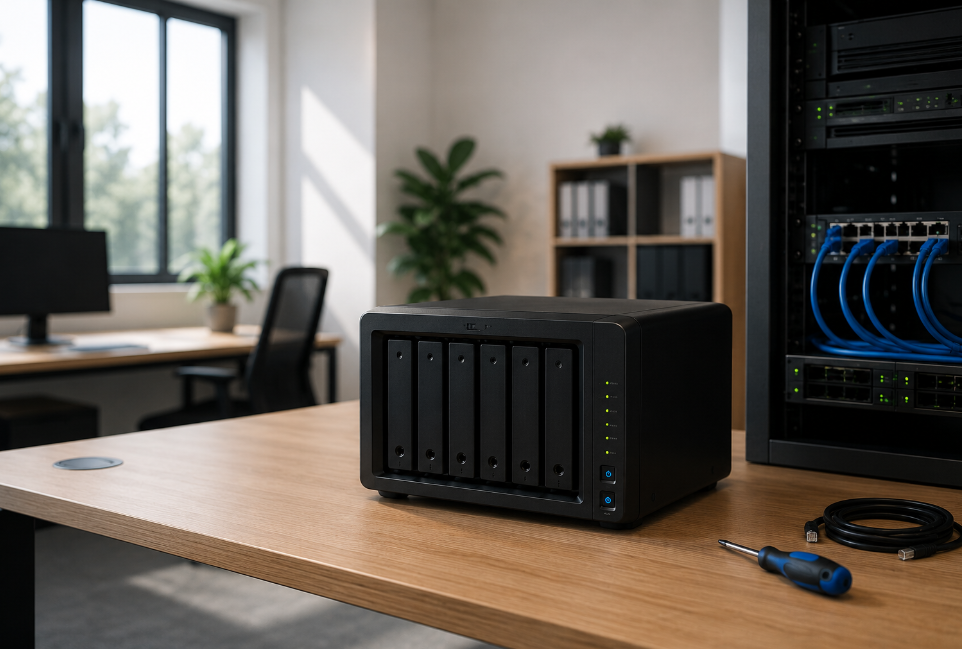
The installation covers all relevant layers of protection – from hardware to the cloud.
1. RAID 1 – Hard Drive Mirroring
Two identical hard drives are installed in the DiskStation. All data is mirrored to both drives in real time. If one drive fails, operations continue without any interruption – your staff won’t notice a thing. The faulty drive is simply replaced, and the new one is synchronized automatically. Data loss due to hardware failure is technically impossible with this setup.
2. Cloud Backup Against Ransomware
All data is additionally backed up automatically to an external cloud. If ransomware or an encryption trojan attacks the server, the cloud copies remain completely untouched, as the backup is written to a separate, protected environment. A full recovery of all business data is therefore possible at any time – even in the worst-case scenario.
3. File Versioning
The DiskStation automatically saves multiple versions of every file over a configurable period of time. If a file is accidentally deleted, overwritten, or corrupted, it can be restored to any previous version at the click of a button via the Synology interface under “Previous Versions” – quickly and reliably, without requiring any IT intervention.
4. User and Permission Management
Each employee receives their own personal login with exactly the access rights needed for their department. Accounting only sees their folders, sales only theirs – sensitive areas such as HR files or management documents remain completely invisible and protected from unauthorized users. When an employee leaves, their access is deactivated with a single click.
What Does This Mean for Your Business?
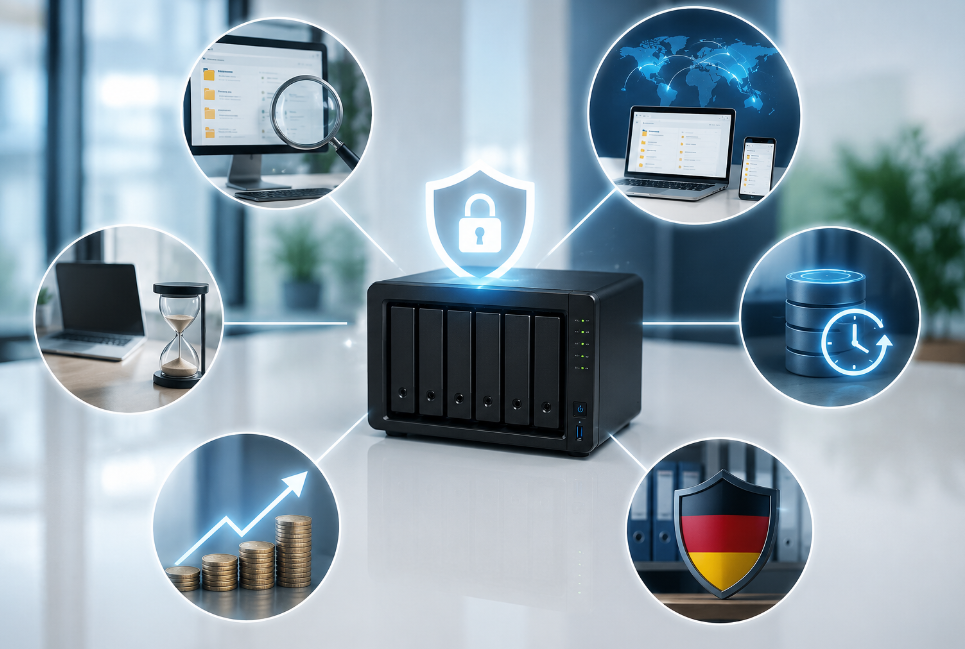
A professionally set up NAS solution is not just an IT project – it tangibly changes how efficiently your team works and how securely your business is positioned.
Less wasted time every day: Employees find documents immediately because all data is stored centrally in a consistent structure. No more sending files back and forth by email, no more asking which version is the current one – the structure is the same for everyone and always up to date.
Flexible working without limitations: Whether an employee is working from home, a field rep is on the road, or management is accessing a document from the airport – the DiskStation is available around the clock, from any device, from anywhere in the world.
Protection against the worst case: Ransomware attacks, accidentally deleted projects, a hard drive failure – scenarios that can paralyze businesses without the right infrastructure for weeks are fully manageable with this solution. Data is backed up multiple times, and downtime is minimized.
Predictable costs instead of subscription creep: You invest once in hardware and professional setup. After that, there are no ongoing mandatory costs per user or license. The solution grows with your business – through additional drives or expansions, not through more expensive subscription tiers.
Data protection under German law: Your business data remains on your own hardware in your own office. You decide who has access – not an American cloud corporation. This is not only an advantage for sensitive customer data, but also builds trust with business partners and authorities.
Secure Access – From Anywhere in the World
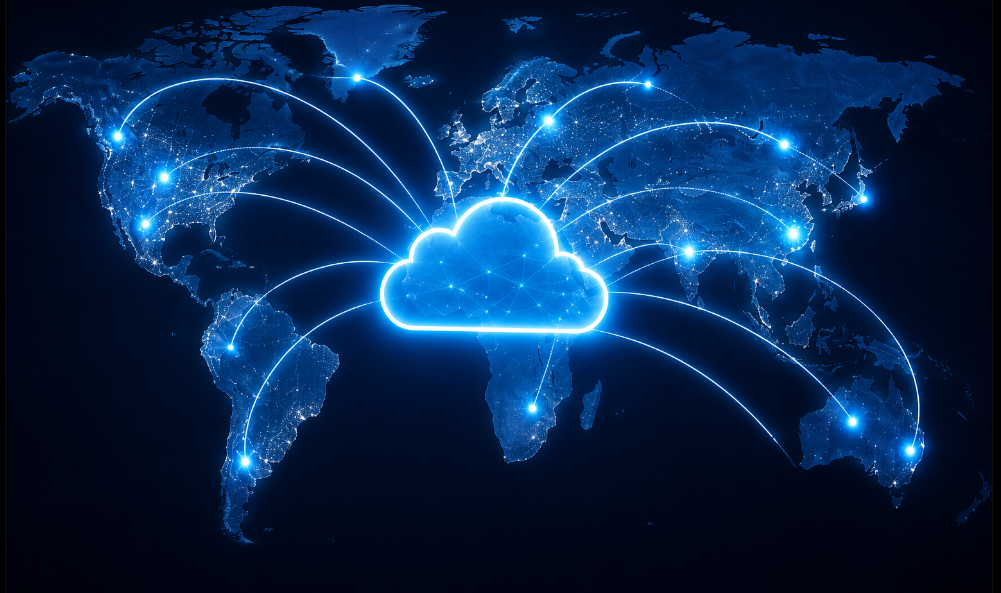
I set up a dedicated access domain so your team can securely access company data at any time – whether in the office, working from home, or travelling abroad.
Custom Domain with SSL Encryption
Access is provided via a custom company address (e.g. data.yourcompany.com), secured with a trusted SSL certificate (HTTPS). All data in transit is unreadable to third parties at all times – as secure as online banking.
Optional: VPN Tunnel
Some hotel or public networks block direct access to external servers. On request, I also set up a VPN tunnel. This ensures reliable and secure access – even from countries with restricted internet access.
The Synology apps for Windows, Mac, iOS, and Android provide convenient access to all files – just like a personal business cloud drive, but one that remains entirely in your own hands.
Your Benefits at a Glance

- All business data centrally stored and structured in one place
- Access from anywhere – office, home office, abroad
- Data loss prevented by RAID 1 (hard drive mirroring)
- Protection against ransomware through automatic cloud backup
- Deleted or overwritten files restored at the click of a button
- Individual user permissions per employee and department
- Custom domain with SSL encryption for secure remote access
- Optional: VPN for networks that block direct access
- Independent from Microsoft, Google, and other cloud providers
- No monthly subscription fees – a one-time investment with long-term value
- Full data control – your data stays within your business
- GDPR-compliant, with the server located in your own office
Interested? I’m happy to advise you.
From hardware selection through the complete setup of RAID, cloud backup, remote access, and user management to briefing your staff – I handle the entire installation and remain available as a reliable IT partner going forward. Just get in touch.