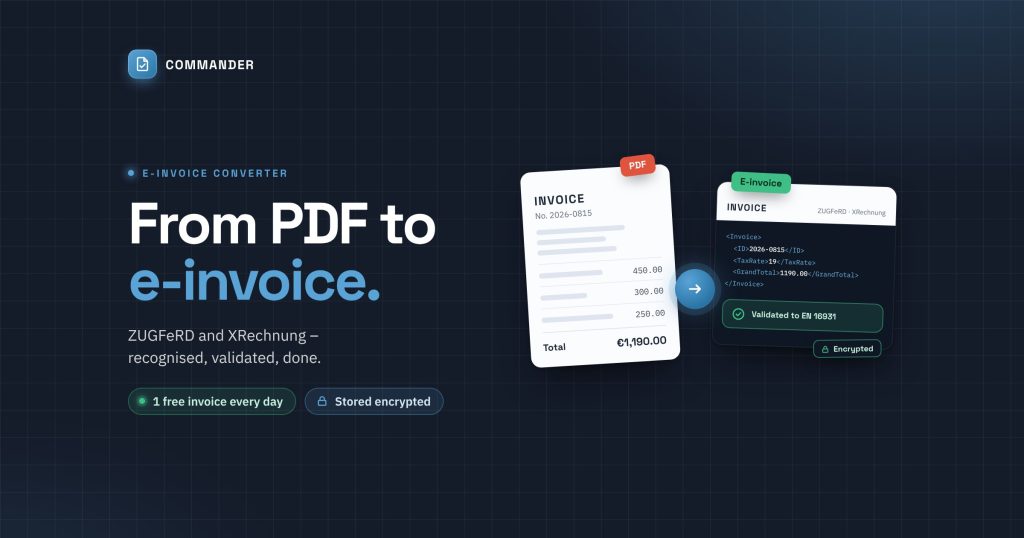
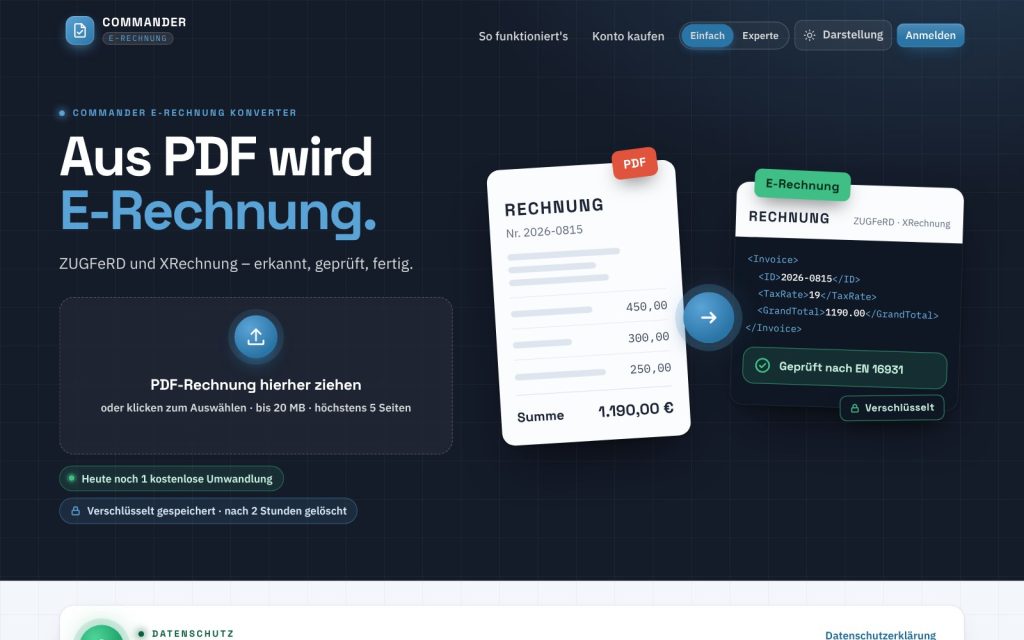
From PDF to e-invoice. On 1 January 2027, e-invoicing becomes mandatory for the first businesses in Germany, and from 2028 for almost all of them. A normal PDF sent by email will then no longer be enough. That is exactly why I developed the Commander E-Rechnung Konverter (“E-Rechnung” is German for e-invoice).
As an IT service provider, I help freelancers, small businesses and associations switch to e-invoicing. One question comes up again and again: “Do I have to change my entire invoicing software now?” My answer: not straight away. With my converter, you can convert any PDF to an e-invoice. You keep writing your invoices as before, whatever program you use.
It’s that simple: upload your PDF, briefly check the recognised details and download the finished e-invoice as ZUGFeRD or XRechnung. Your invoices are only ever stored encrypted on the server. You can convert one invoice a day free of charge and without registering, directly at erechnung.commander-systems.de. The converter speaks English and German – you can switch at the top right.
Mandatory e-invoicing in Germany from 2027: the deadlines
Since 1 January 2025, all businesses in Germany have had to be able to receive e-invoices. For issuing them, the transitional periods are now running out step by step:
| From | What applies? |
|---|---|
| 1 January 2025 | All businesses must be able to receive e-invoices. |
| 1 January 2027 | Businesses with a total turnover of more than €800,000 in 2026 must issue e-invoices. |
| 1 January 2028 | All other businesses must issue e-invoices. Small businesses under the small business scheme (Kleinunternehmer) are exempt. |
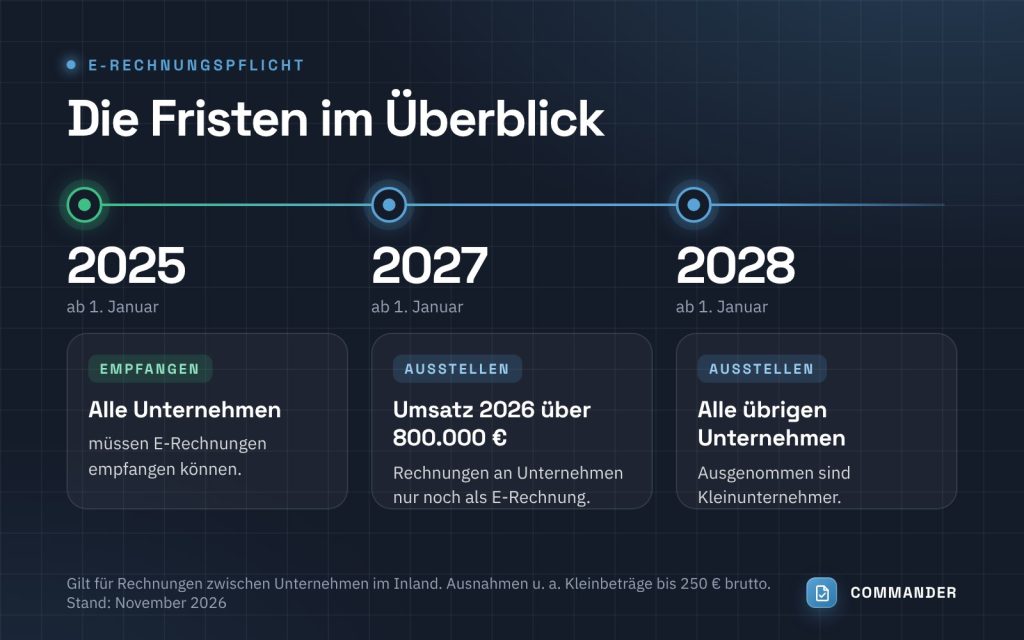
This applies to invoices between businesses in Germany. Invoices to private customers are not affected, nor are small-amount invoices of up to €250 gross.
Important: a PDF sent by email is not an e-invoice. An e-invoice contains the invoice data in a fixed format that software can read directly. The European standard EN 16931 is decisive. In Germany, the main formats are XRechnung and ZUGFeRD. Detailed answers can be found in the FAQ on e-invoicing from the German Federal Ministry of Finance (in German).
I am an IT service provider, not a tax adviser. If you are unsure whether and from when the obligation applies to your business, please check with your tax adviser.
Convert PDF to e-invoice – how it works
- Upload your PDF. Drag your invoice into the upload field. Scanned invoices work too, as the converter recognises the text.
- Check the details. Invoice number, date, sender, recipient, line items, VAT rates and bank details are recognised automatically. Your PDF is shown alongside. The converter recalculates the totals and flags anything that doesn’t add up or any mandatory detail that is missing.
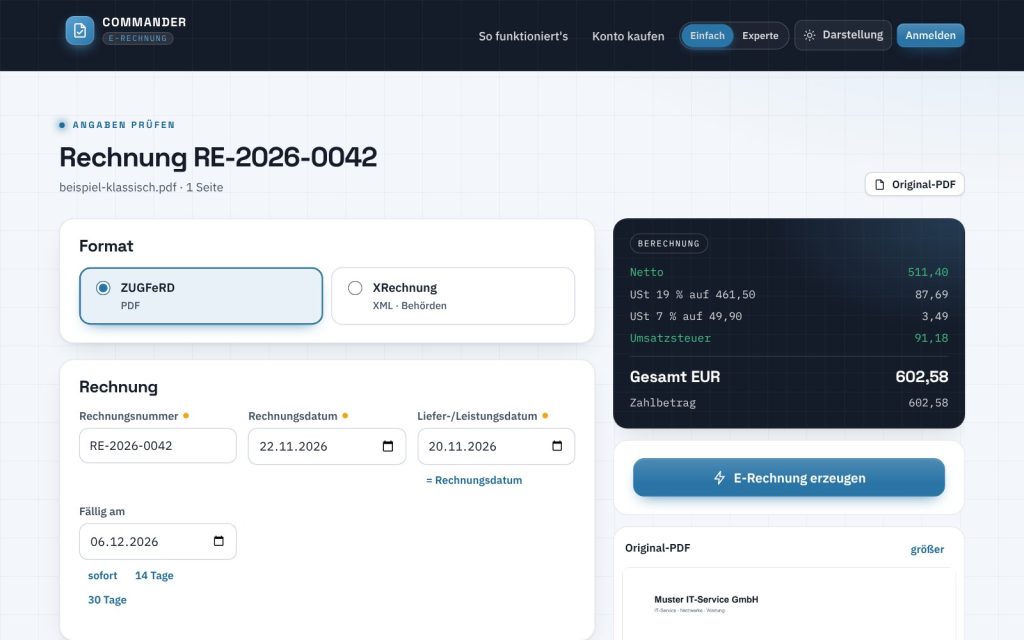
- Choose the format. ZUGFeRD is a PDF that looks like your usual invoice and also carries the data inside it. XRechnung is a pure data file, required mainly by public authorities.
- Download. Before you get the file, the converter validates it against the EN 16931 standard, and an XRechnung also against its own rules. You only receive files that pass this check.
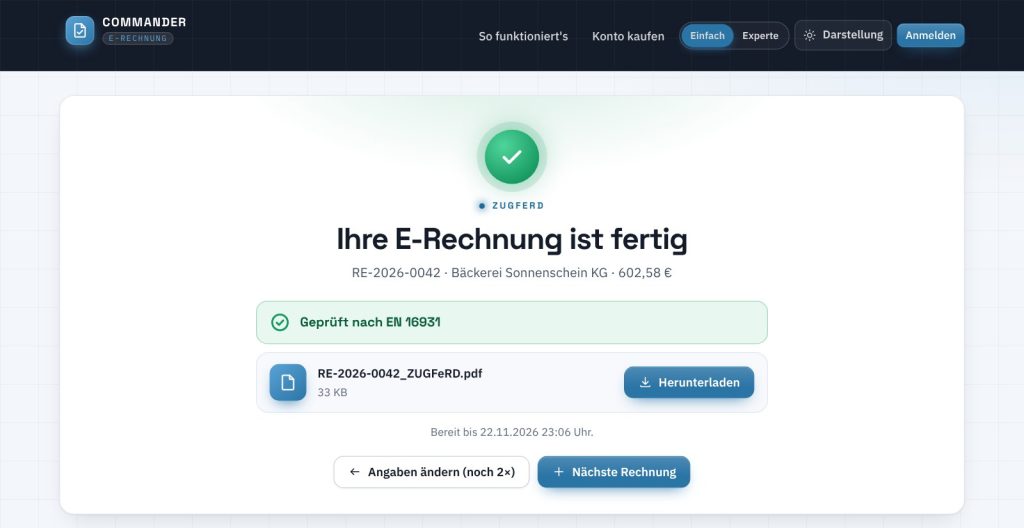
The “Simple” view shows only the fields you need. If you want to enter more, such as an order number, an early payment discount or a different delivery address, switch to “Expert” at the top.
Data protection: your invoices stay confidential
Invoices reveal a lot: addresses, bank details, prices and often your customers’ data too. That’s why data protection comes first in my converter.
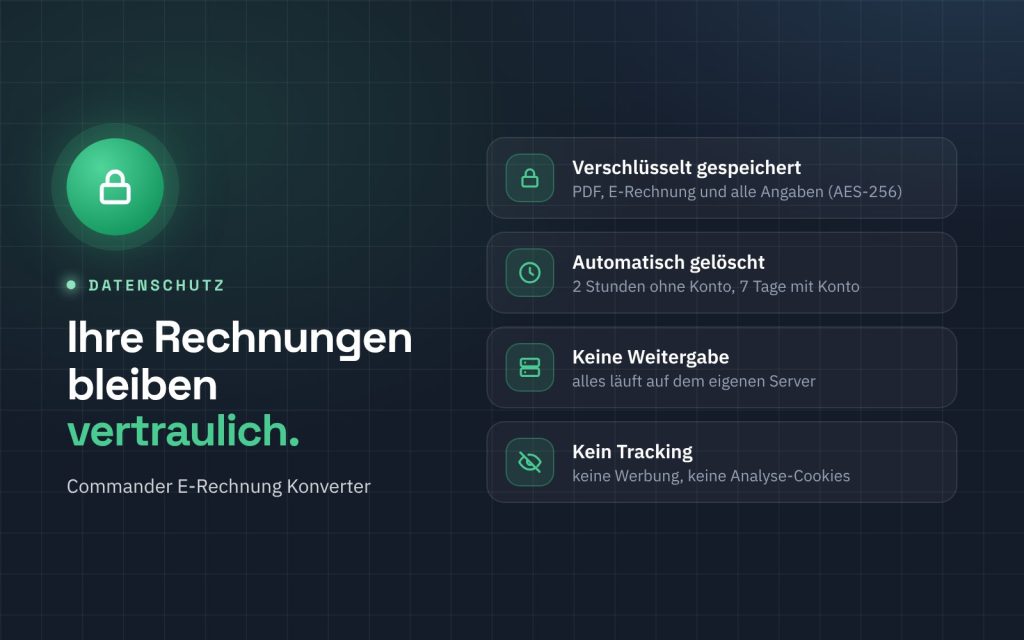
- Stored encrypted: Your PDF, the generated e-invoice and all recognised details are stored on the server only in encrypted form (AES-256). Without the program’s key, nobody can read them, not even from a backup.
- Deleted automatically: after two hours without an account, after seven days with an account. After that, the history only keeps the invoice number, recipient, amount and date.
- No sharing: Recognition, conversion and validation all run on my own server. Your invoices are not sent to any third-party service, not even to AI services.
- No tracking: The converter shows no advertising and sets no analytics cookies. The connection is encrypted.
You can find all the details in my privacy policy.
Try it for free or get an account for your whole team
You don’t need an account to try it out. You can upload one of your own invoices or use one of my sample invoices. If you convert invoices regularly, an account gives you much more:
| Feature | Free | With account |
|---|---|---|
| Conversions | 1 a day | depending on package |
| ZUGFeRD and XRechnung | yes | yes |
| Save company details and address book | no | yes |
| Upload several PDFs at once | no | up to 20 |
| Remembers the layout of your invoices | no | yes |
| Check received e-invoices and display them in readable form | no | yes |
| Multiple users | no | yes |
| Finished files available for download | 2 hours | 7 days |
Two points I’d like to highlight. Once you have corrected an invoice, the converter remembers its layout. The next invoice in the same layout is then recognised correctly straight away. It also displays e-invoices you receive from suppliers as a normal invoice. After all, an XRechnung is just a data file that hardly anyone can read without suitable software.
Business accounts are available in my shop at shop.commander-systems.de.
A foretaste of Commander CFO
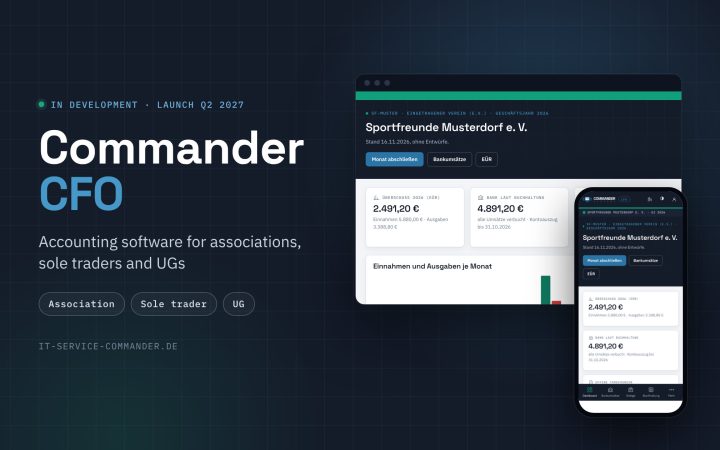
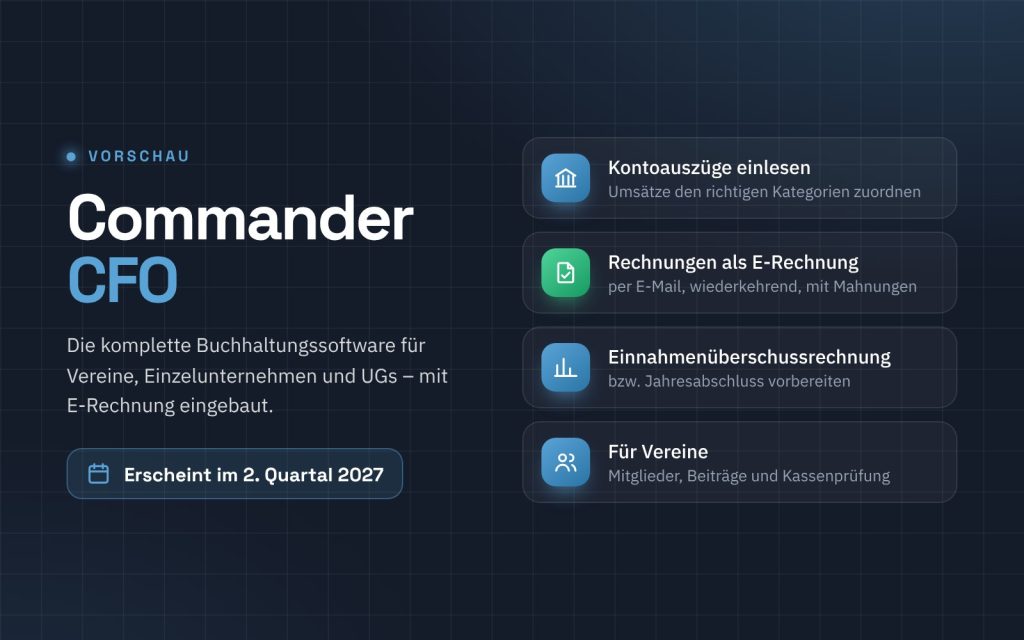
For me, the converter is more than a small tool. It is a preview of Commander CFO, complete accounting software that I am currently developing. Commander CFO will be released in the second quarter of 2027.
The e-invoice in the converter comes straight from Commander CFO. There, you write your invoices as e-invoices right away, without the detour via a PDF. Commander CFO is designed for associations, sole traders and UGs (the German mini limited company) and will be able to do the following, among other things:
- import bank statements and assign the transactions to the right categories
- write invoices as e-invoices and send them by email, including recurring invoices and payment reminders
- convert PDF invoices into e-invoices, just like the converter
- prepare the cash-basis profit calculation (EÜR) or the annual financial statements
- for associations: members, membership fees and cash audits
I already use Commander CFO for my own accounting. The range of features may still change before launch. You can read more in my article Commander CFO: accounting software for associations, sole traders and UGs.
My conclusion
With the Commander E-Rechnung Konverter, you can convert any PDF to an e-invoice without changing your invoicing software, and your invoices stay confidential. This means you will be ready in good time for 2027 and 2028 and can already gain experience with e-invoicing now. When Commander CFO is released in the second quarter of 2027, the next step will be ready: complete accounting with e-invoicing from a single source.
Give it a try: erechnung.commander-systems.de. Do you have questions about the switch, or would you like an invoicing solution for your business? Then write to me via my request page.
Frequently asked questions about the e-invoice converter
Is the converter really free?
Yes. You can convert one invoice a day from PDF to e-invoice without registering and free of charge. For more invoices and multiple users, accounts are available in my shop.
Can I create ZUGFeRD and XRechnung with it?
Yes. You can create ZUGFeRD in the current version 2.5 (EN 16931 profile) or an XRechnung (version 3.0), for example for invoices to public authorities. In the “Expert” view, ZUGFeRD with the XRechnung profile is also available.
Does it also work with scanned invoices?
Yes, the converter also recognises the text on scans. The cleaner the scan, the better the result. Briefly check the details before downloading.
Is the converter available in English?
Yes. Switch the language at the top right with “DE · EN” – the converter remembers your choice. Texts that go into the e-invoice itself, such as the reason for a tax exemption, are suggested in German and can be edited.
Do small businesses have to issue e-invoices?
No. Businesses under the small business scheme (Kleinunternehmer) do not have to issue e-invoices, but they must be able to receive them. You may send e-invoices voluntarily, and the converter also handles invoices without VAT under Section 19 of the German VAT Act (UStG).
What happens to my invoices?
They are stored encrypted and deleted after two hours without an account, or after seven days with an account. After that, your account history only shows the invoice number, recipient, amount and date. Download your e-invoices and keep them as usual.